
Widgets
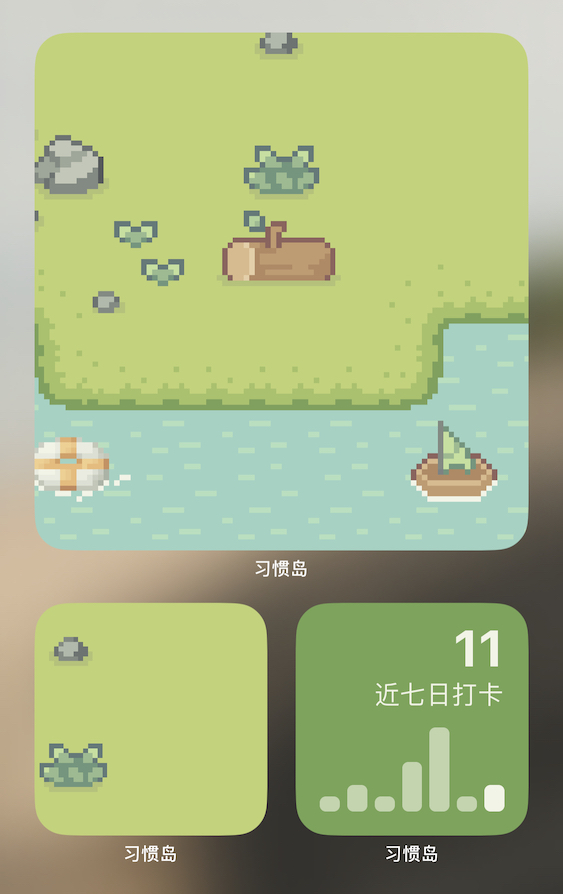
Habit Island currently offers two types of widgets: "Check-in Stats" and "Island Scenery". They are supported on both iOS and Android. Follow the instructions below to add widgets to your home screen.
iOS
Long-press on an empty area of the home screen, tap the "+" button in the top left corner, then search for "Habit Island" or scroll down to find "Habit Island". Tap to enter and you'll see several different widget styles.
Swipe left or right to select the widget you want, then tap the "Add Widget" button at the bottom.
Android
The exact steps may vary by device manufacturer and OS version. Below is an example using Xiaomi's MIUI:
- Long-press on the home screen to enter edit mode, tap the "Add Widget" button at the bottom of the screen to open the widget picker
- Tap the magnifying glass 🔍 button in the top right corner to search
- On the search screen, tap the "Android Widgets" entry at the bottom
- Find "Habit Island" in the Android widget picker, select the widget you want, then long-press and drag it to your home screen